Add image to R+ logo in Canva
Add image to R+ logo in Canva
The RLadies+ logo allows customization by inserting images within the R and + symbols. This guide explains how to do this in Canva.

Warning
In the free version of Canva, you cannot export a page with a transparent background. For transparent backgrounds, use the Affinity alternative instead.
Accessing the template
The editable R+ template is available as a Canva project. Templates are also available within social media template collections.
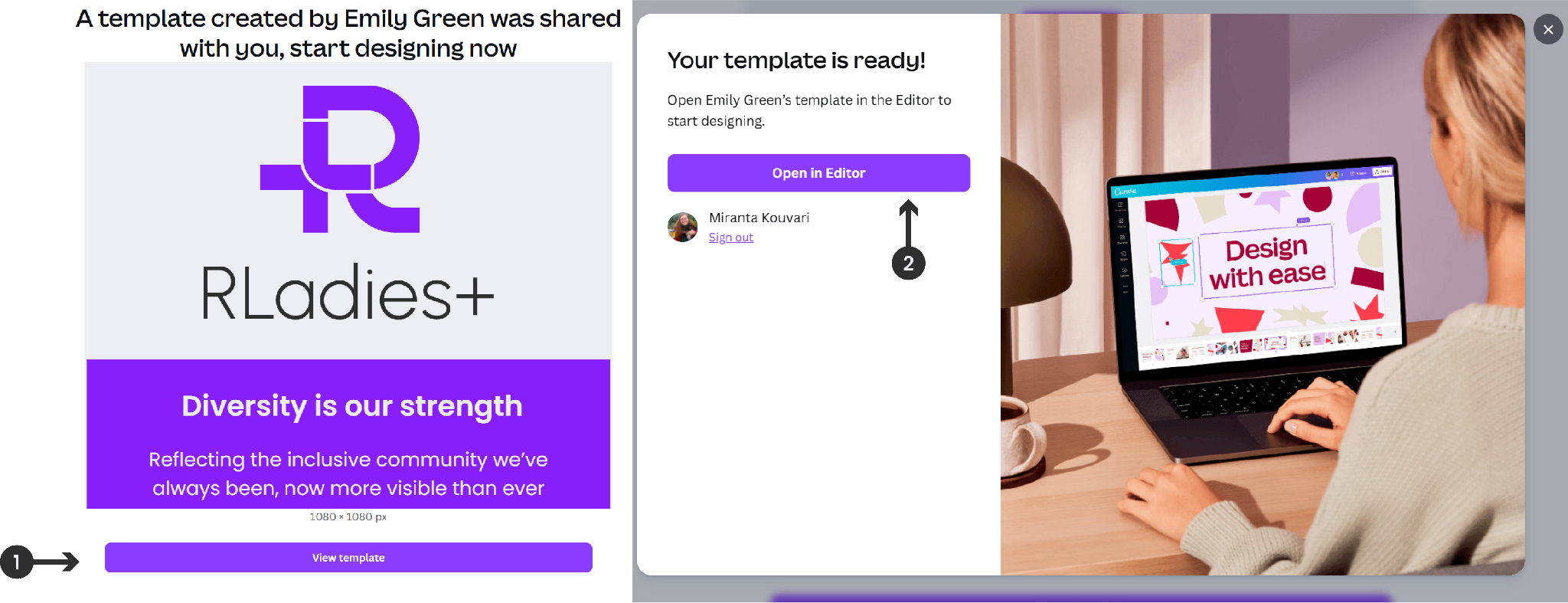
- Click View Template
- Click Open in Editor to create an editable copy
Adding images
You can add images from Canva’s library or your own files:
- From Canva: Go to Elements > Photos in the sidebar and browse or search
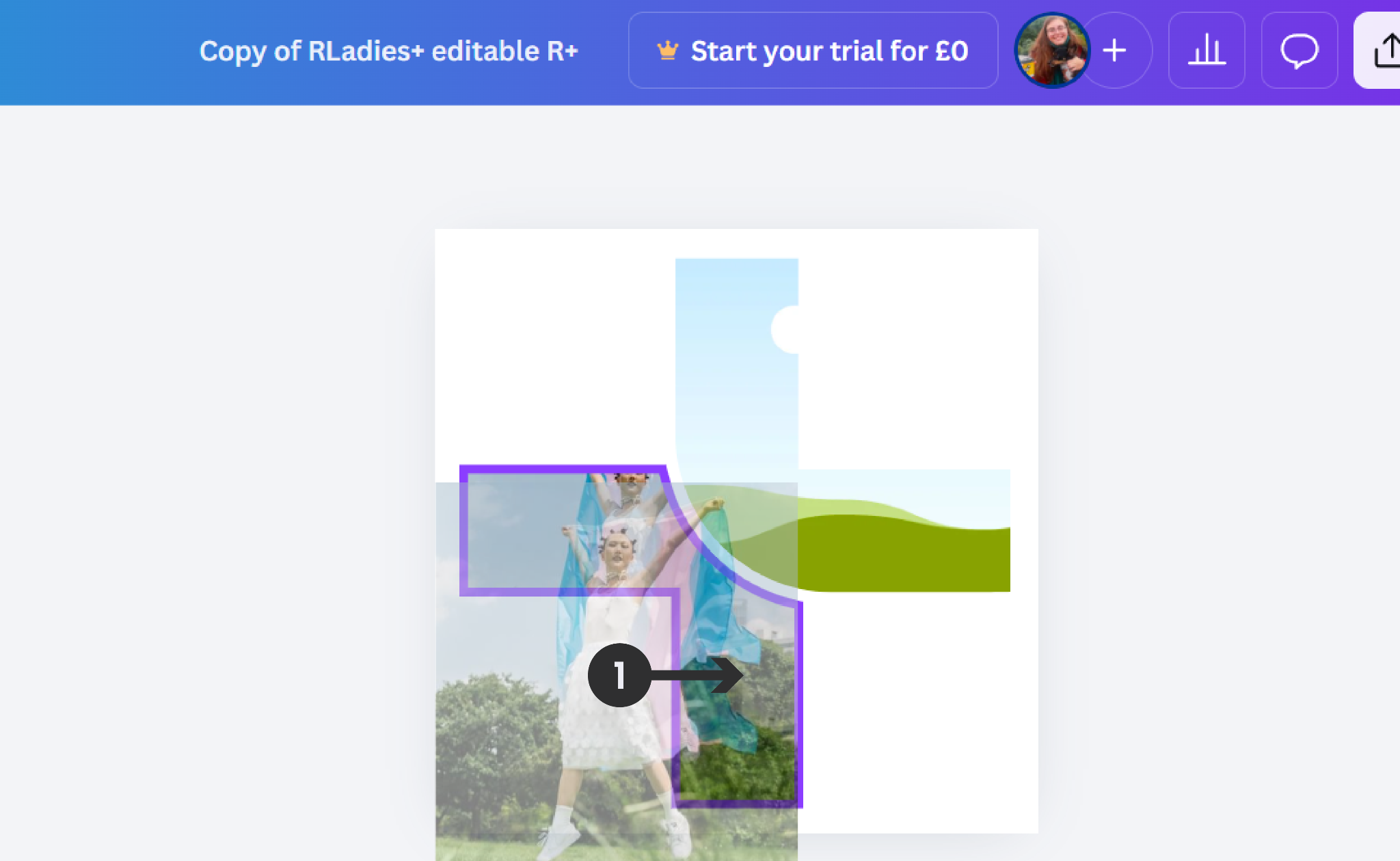
- From your computer: Drag and drop images directly onto the workspace
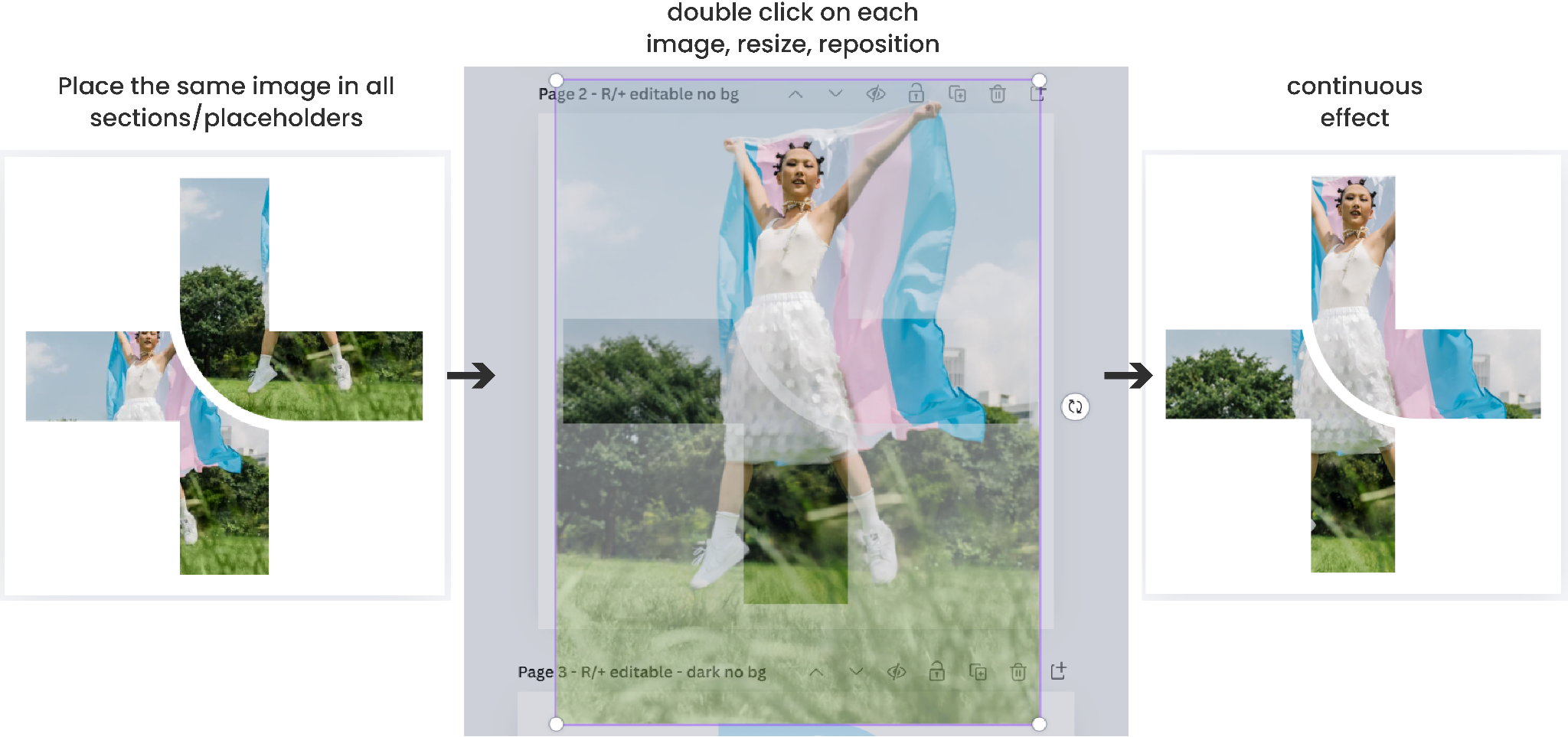
Position images into the R or + placeholders. Use the Crop tool to resize and center images so they fill their respective placeholders completely, creating a seamless visual flow across sections.
Adding colors
To apply brand colors to sections:
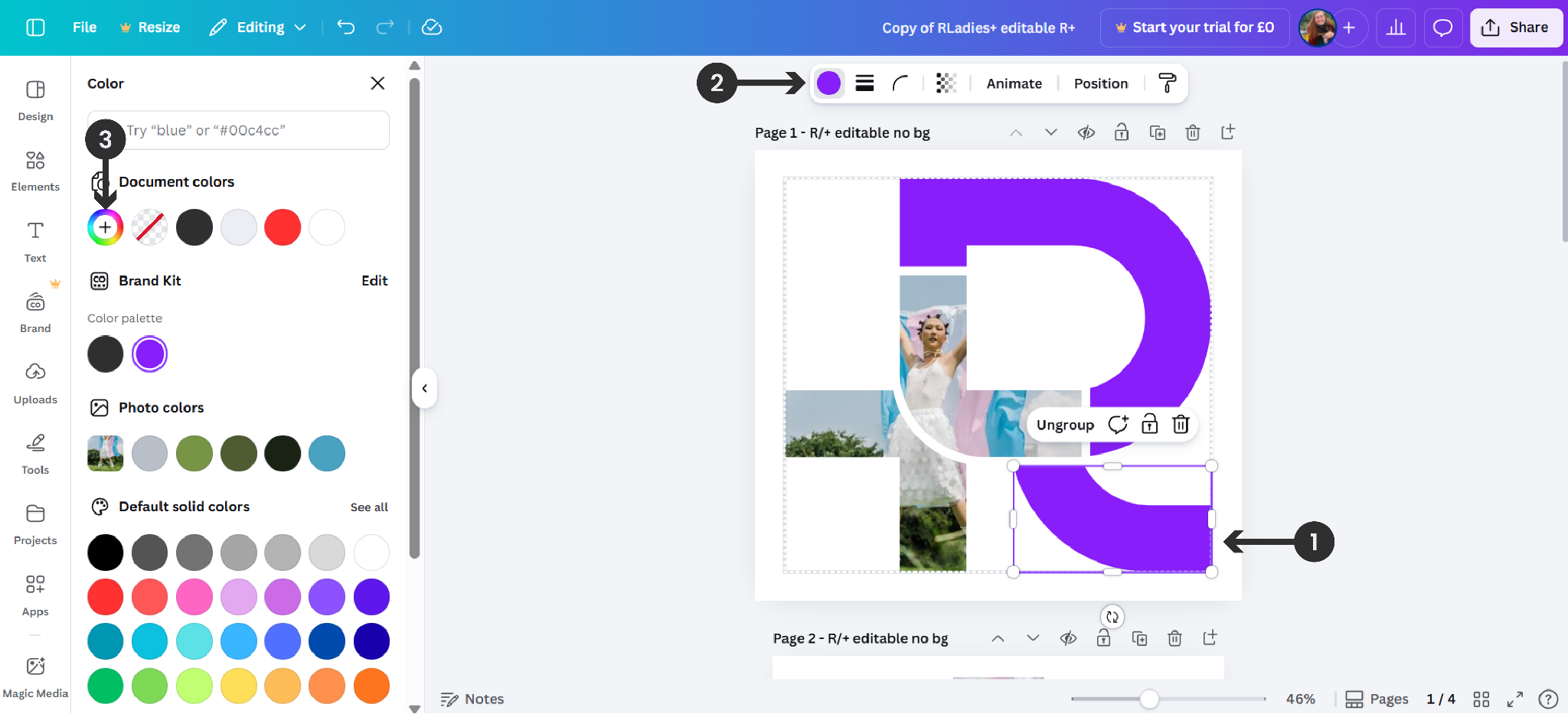
- Select the section you want to recolor
- Click the Fill Color button in the toolbar
- Pick a new color from the color panel or enter a HEX code
| Color | Hex code |
|---|---|
| Blue Violet | #881ef9 |
| Bastille Black | #2f2f30 |
| Lavender White | #ededf4 |
| Brilliant Rose | #ff5b92 |
| Dodger Blue | #146af9 |
Warning
Please do not move, transform, or rotate the R relative to the RLadies+ text part of the logo.
Exporting
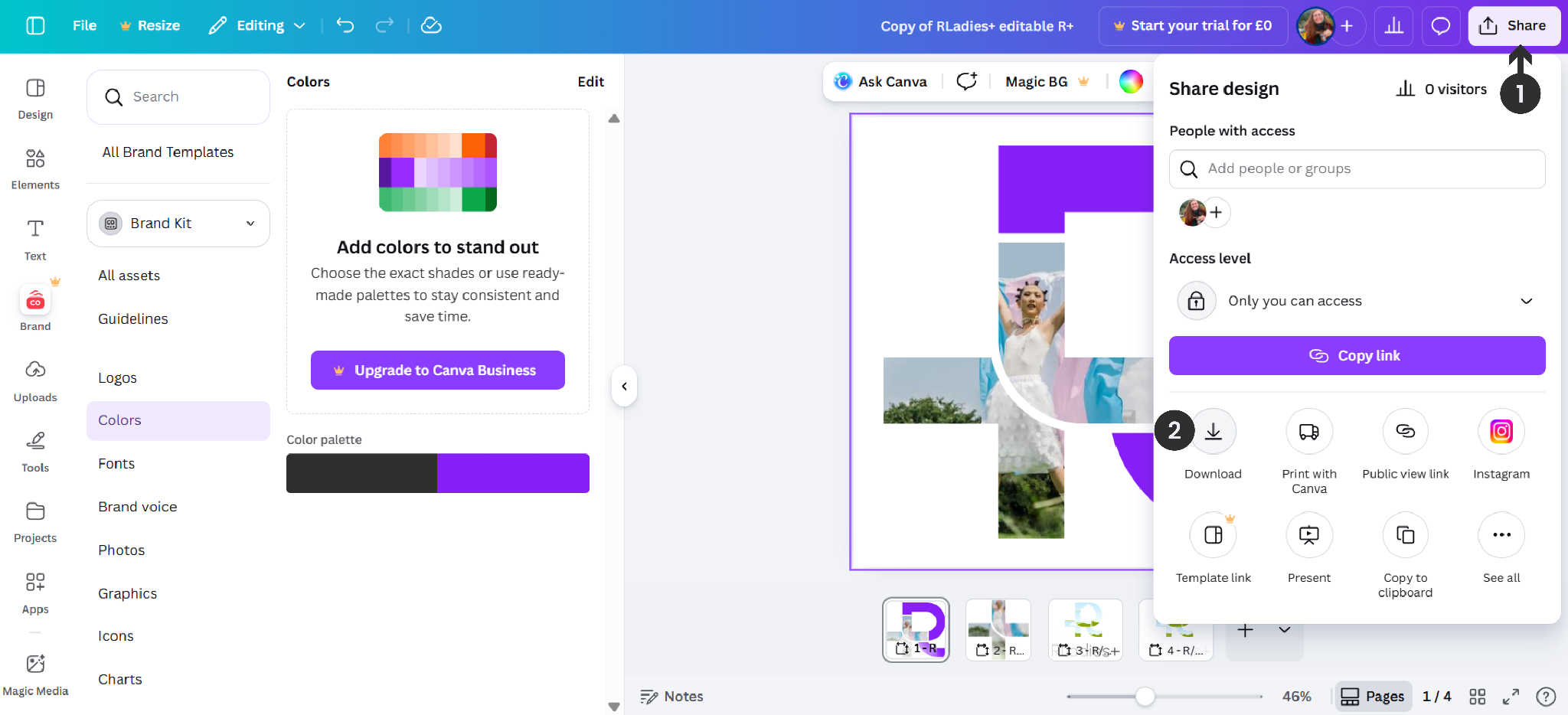
- Click Share
- Select Download
- Choose PNG or JPG format
- Download to your device
Resources
- Editable R+ Canva template
- RLadies+ Branding Guidelines on Google Drive